Branding
Your brand voice in every draft
Set your tone, rules, and facts once—then every post and script starts on-brand, automatically.
Set up your brand — free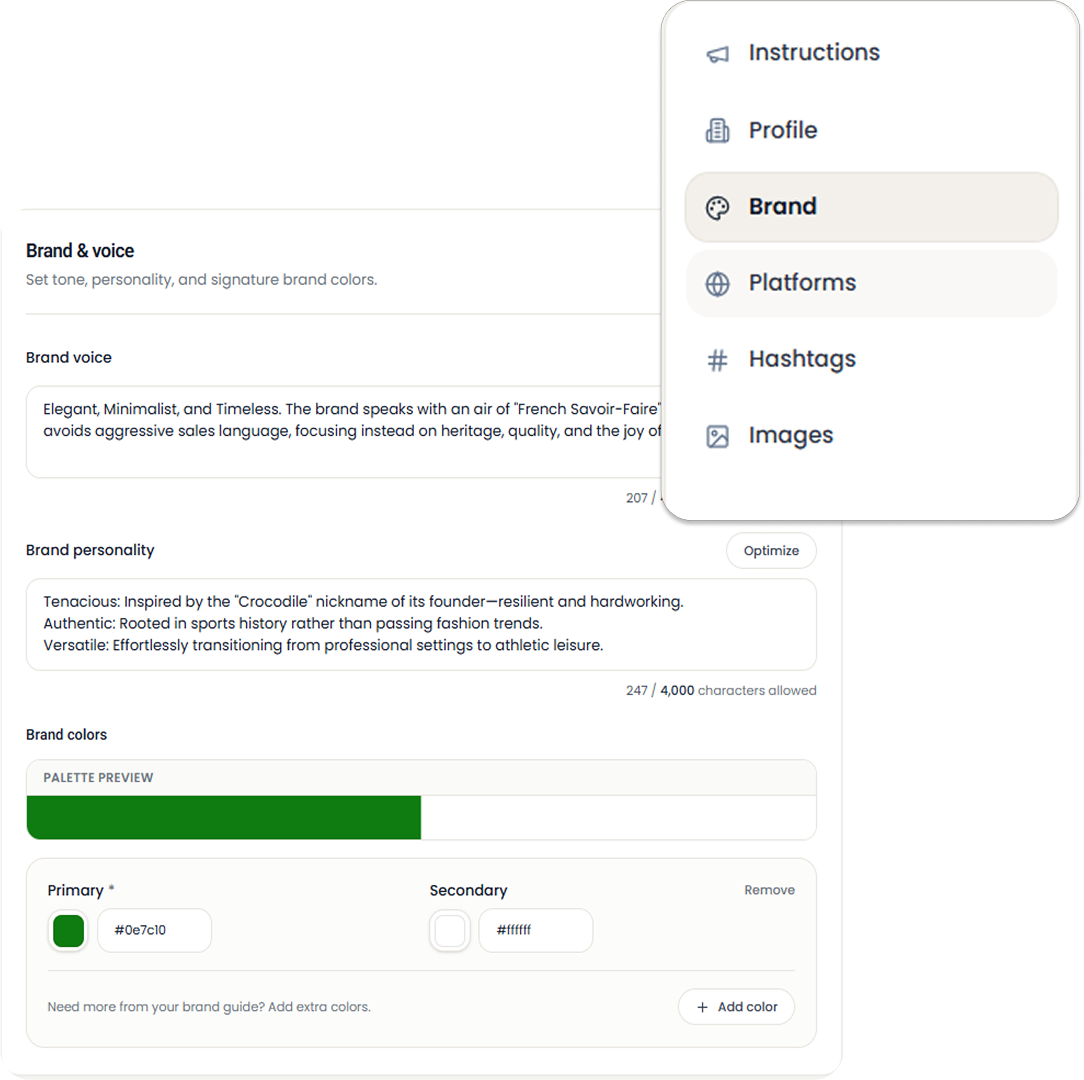
your voice in every draft
First lines that sound like you—not generic AI.
set it once, use it everywhere
No brand doc to re-upload before every post.
one voice per client
Switch brands without mixing tone or rules.
Setup
Set up once, then just write
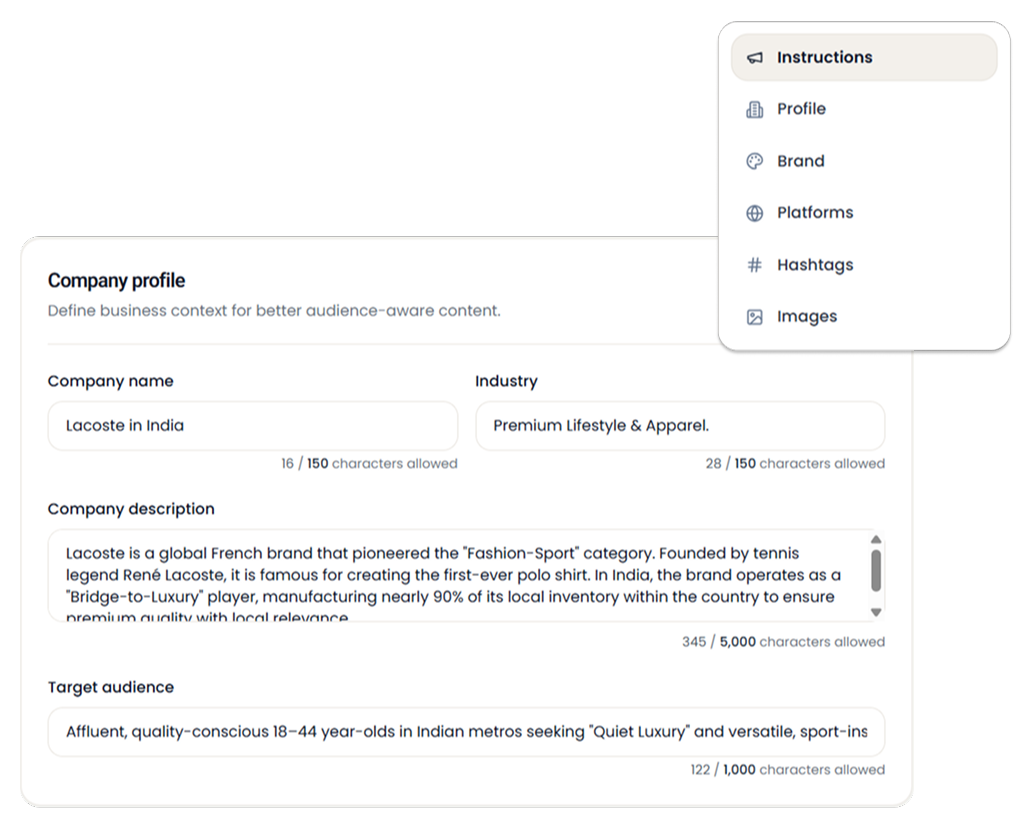
Who you are, where you post, and how you sound—captured in a few minutes.
Begin setup — takes 5 minutes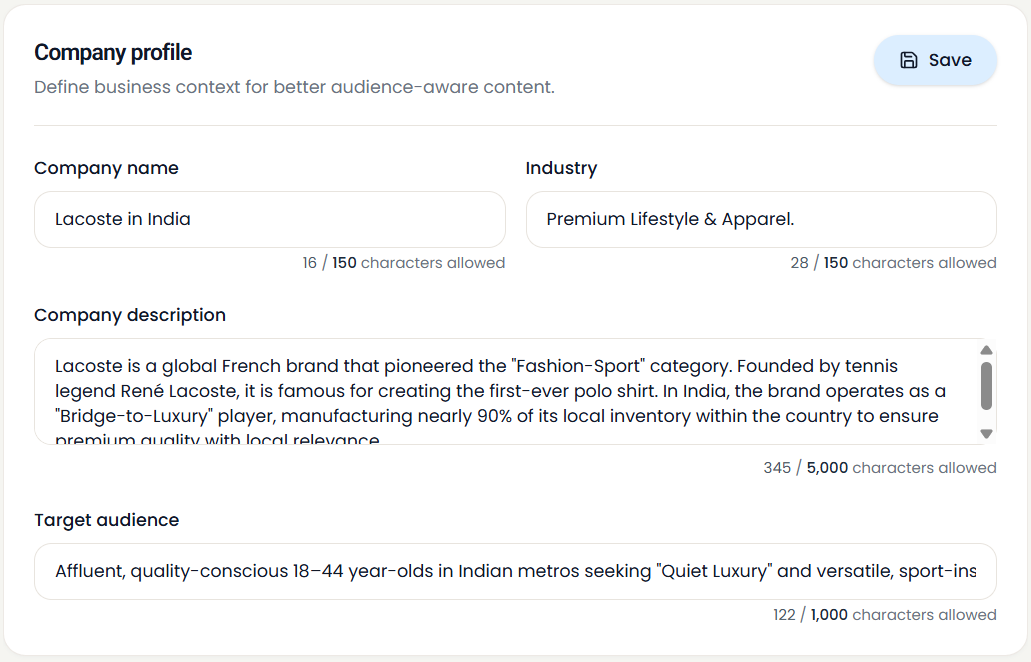
Profile
Your voice, loaded every time you create
Change it anytime. The next draft picks it up.
Voice
- Your tone—not generic AI
- Rules you set once and reuse everywhere
Look
- Colors and style that match your feed
- Images aligned with your visual identity
Channels
- Built for where you actually publish
- Hashtags and formats that fit each platform
Agencies
A separate voice for every client
Switch in a click. Stay in the right brand.
Add another client brand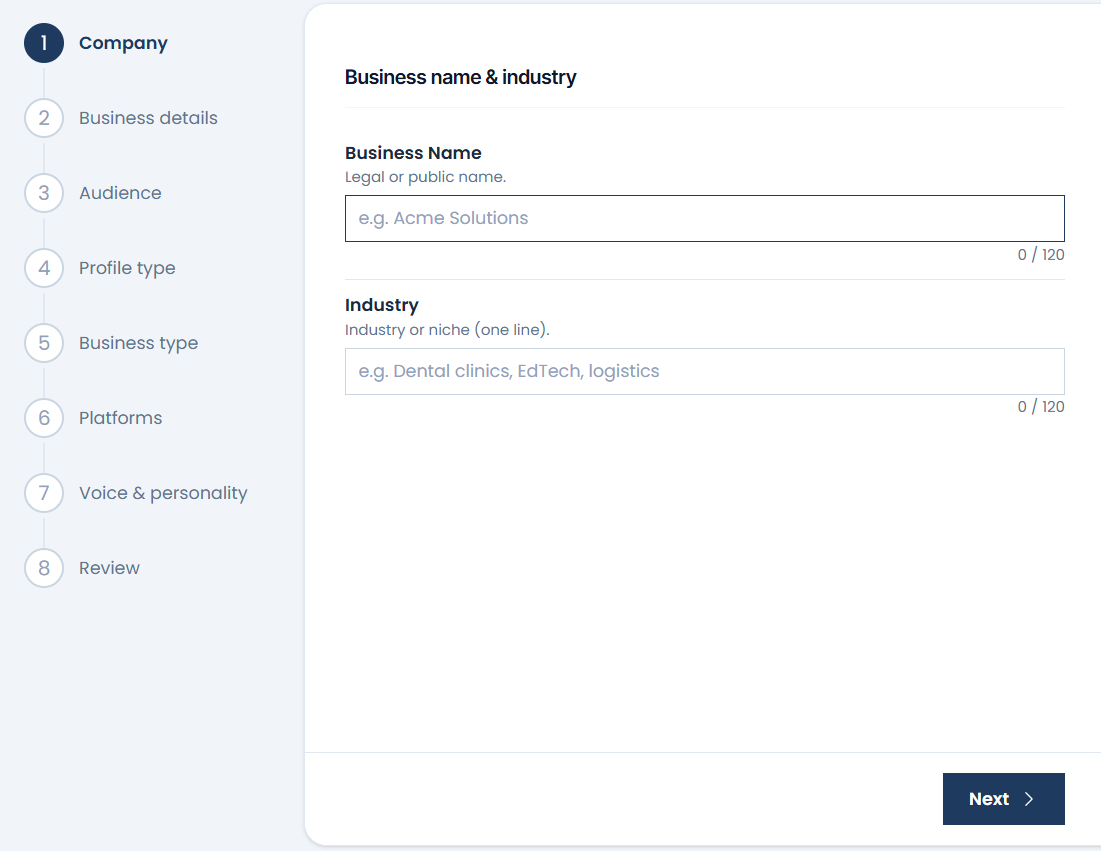
“No brand doc before every drop. We edit. We don't rewrite.”
Sanjay Devani
HUDDO · Footwear brand
FAQs
From the ContentIJ blog: how to set up branding in Settings (step-by-step walkthrough).
Branding stores your tone, rules, facts, and channel preferences once—so every post and script in ContentIJ starts on-brand automatically.